FB Ad Checker: How to Review Any Facebook Advertiser
November 11, 2026
You've got a prospect list open, a client deadline this week, and a competitor brand showing dozens of live Facebook ads. You need to know whether that advertiser is worth pitching, watching, or ignoring. A good FB ad checker gives you a fast answer about activity. It doesn't give you proof about results, and confusing those two things leads to bad outreach and bad client reports.
Table of Contents
- What a Facebook Ad Check Proves and Hides
- How to Run an FB Ad Check Step by Step
- Verifying Whether an Advertiser Is Legitimate
- Reading Signals and Avoiding Overreads
- Free and Paid Tools for Checking Facebook Ads
- Set Up Your Own Weekly Ad Check
What a Facebook Ad Check Proves and Hides
Say a skincare brand runs forty live ads and your agency asks whether it's scaling. A Facebook ad check shows observable activity, not results. You can confirm which Page runs the ads, what the creative says, whether each ad is live, and when it first appeared. You can't confirm whether those ads sell, what audience they're targeted to, or whether spend is concentrated in two winners while the rest spend nothing.
That boundary comes from how the underlying archive was built. Meta's January 2020 update on political ads notes that Meta launched the Facebook Ad Library in May 2018 as a public archive for political and social-issue advertising, and that in the United States, Meta committed to retaining eligible political and issue ads for up to seven years. That update also reported that more than 85% of spending by U.S. presidential candidates on Facebook targeted audiences estimated at over 250,000 people, which shows how political ad records can expose scale in ways ordinary commercial records can't.
What a Facebook Ad Check Reveals
| Data point | Visible for commercial ads | What it means for your check |
|---|---|---|
| Advertiser name and Page | Yes | Shown on every ad, so start every search here |
| Ad creative and copy | Yes | Shows the messaging, not how well it performs |
| Live status | Yes | Filter to active ads to count what runs today |
| Start date | Yes | Earliest visible date marks when activity began |
| Spend and impressions | Political and issue ads only | Not available for most commercial ads |
| Targeting and conversions | No | Cannot confirm audience or sales results |
| Landing domain | No, check separately | Open the ad link to confirm a real store |
| Ordinary ad history | No | No historical archive for ordinary ads; political and issue ads stay visible for seven years |
The store behind the Page needs a separate check because the library doesn't verify it. Open the ad's destination link, record the landing domain, and confirm it loads an actual storefront that matches the Page name. A clean creative tied to a dead or mismatched domain isn't evidence of a real advertiser.
Working rule: Every check produces observed activity. Revenue, ROAS, and profitability require outside data you don't get from the library.
Treat that rule as essential. It protects you from the most common error in ad checking, which is turning a visibility count into a business verdict.
How to Run an FB Ad Check Step by Step
Run the check the same way every time, so your results are comparable across brands and across days. Each step exists to close a specific gap that a casual search leaves open.
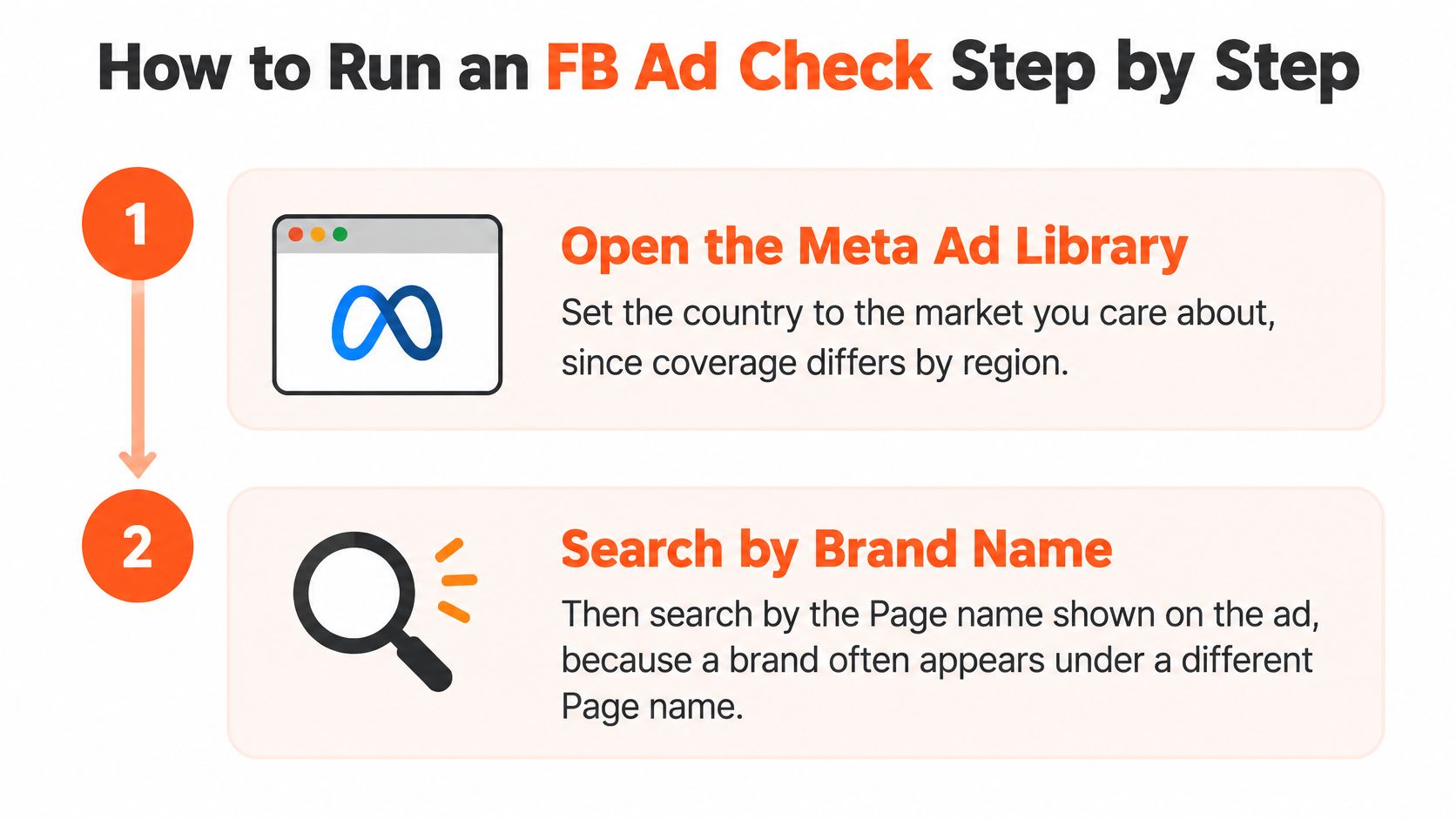
Open the Meta Ad Library and set the country. Set it to the market you care about, since coverage differs by region and a brand may advertise in one country but not another. Running this step first prevents you from reporting zero ads for a brand that's active elsewhere.
Search by brand name, then by the Page name on the ad. Brands often run ads under several Pages, including renamed or secondary ones, so searching only the brand name is the slip that most often sends people wrong. Click into a result, note the exact Page, and search that Page directly.
Filter to active ads and count what's live today. This gives you a dated baseline rather than a vague impression of activity. Write down the date with the count, because an undated number can't prove change later.
Open each ad and record the details. Note the Page, the earliest start date, and the landing domain for every live ad. The earliest date anchors first seen timing, and the domain links the Page to a store you can verify.
Confirm the advertiser sells through a real store. Visit the landing domain and check its product pages, pricing, and checkout path. This step separates a genuine ecommerce advertiser from an affiliate page, a parked domain, or a copycat.
Normalize the record before you interpret it. Group creatives by Page ID, ad ID, and landing domain, then merge near-duplicate variants created by placements, language, or minor copy edits. Without this step, one creative in five placements looks like five separate bets.
Save a dated snapshot. Store the counts, the ads you saw, and their first and last seen dates so tomorrow's check can be compared against today's. A single snapshot describes a moment. Two snapshots describe a direction.
Why One Snapshot Isn't Enough
Treating the library as an activity detection system rather than a performance measurement system is the core discipline here. Research on 15 Facebook field experiments covering 500 million user observations and 1.6 billion impressions found that observational models frequently failed to reproduce randomized-test effects, even after extensive demographic and behavioral controls. That's why you can't infer profit from what's visible on the surface.
Your verdict rule follows from that. Treat one check as a lead, label it observed activity, and call a change only after a second dated snapshot confirms it. Library visibility, delivery status, and indexing delays can all create false transitions, so an advertiser that looks stopped today may be unindexed.
Verifying Whether an Advertiser Is Legitimate
Start with the Page itself rather than the ads it runs. Open the Page's transparency information on Facebook to see the entity that runs it, its ad activity, and any disclosures attached to its ads. Note which kind of ad you're checking, because a paid for by disclaimer confirms who's behind a political or issue message but says nothing about the commercial quality of a store.
Next, match the Page to the store. The landing domain should load a real product catalog with a visible company name, contact details, and a returns policy, and the domain name should match the name on the Page. If the names don't line up, enter the store's domain into the free brand lookup on AdvertiserLeads to see when it started advertising, its live ads, and its ad channels. A store that has run ads steadily for months reads differently from one that appeared days ago. Coverage extends to US ecommerce brands, so an empty result places the store outside that scope rather than proving it fraudulent.
Evidence to Record
- Page name: The exact name shown on the ad, not the name you searched.
- Domain match: Whether the landing domain matches the Page name or redirects to a different storefront.
- First seen date: The earliest visible ad date, so a newly created Page with few ads gets flagged for caution.
- Store resolves: Whether the domain loads a live store with products you can buy.
Legitimacy is a pattern, not a single reading. Repeat the store check on a second day and note any change, because Pages get renamed, domains get redirected, and storefronts get taken down. Two consistent observations make a working conclusion, and even then the conclusion reaches only as far as the check itself: a real store stands behind the ads. Whether the business is honest, profitable, or worth buying from is a separate judgment the ad data cannot make for you.
Reading Signals and Avoiding Overreads
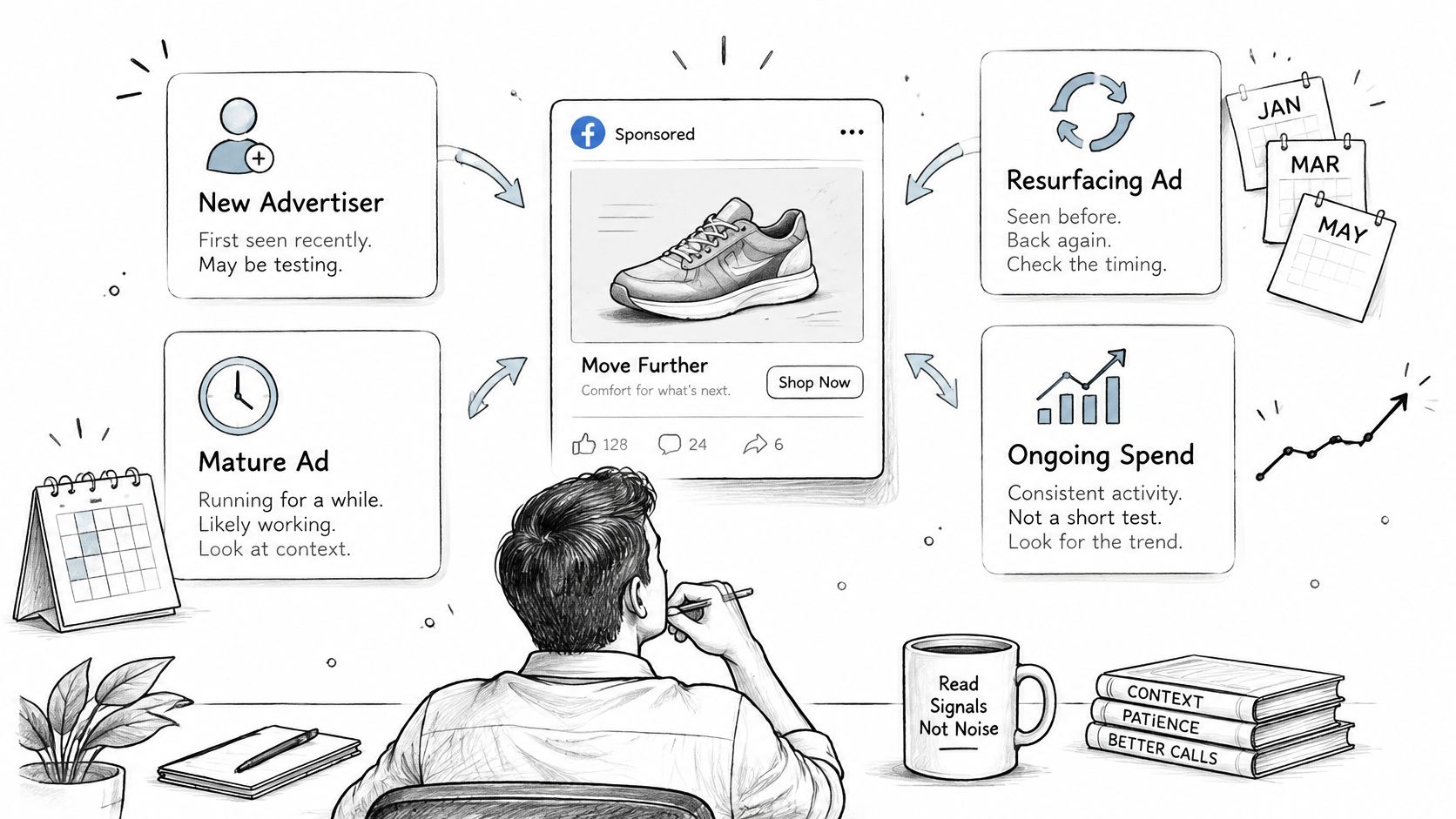
With dated snapshots in hand, you can assign labels. Each label describes a pattern of activity over time, and each one stops short of a claim about money.
Signal Labels and What They Do Not Prove
| Label | Rule | What it does not prove |
|---|---|---|
| New advertiser | Earliest discoverable ad within the previous 14 days, with older ads checked first | That the brand is profitable or scaling |
| Scaling | Ad volume rising sharply over a short window, confirmed by two dated observations | That sales or ROAS are rising |
| Struggling | Frequent launches with few ads lasting beyond two weeks | Confirmed financial distress |
| Stopped | Active ads falling to zero across at least two consecutive observations | That the brand has closed or lost revenue |
Consider a store that launches eight new ads on Monday and has only five still live two weeks later. That's a struggling pattern, not a scaling one, because the signal is churn rather than survival. Counting launches alone would have told you the opposite story.
The evidence for staying cautious is strong. Research comparing observational methods with randomized advertising experiments found median experimental lift was 29% for upper-funnel, 18% for mid-funnel, and 5% for lower-funnel outcomes, while modeled estimates were much larger in the same settings. Modeled readings of visible activity tend to overstate effect, so your labels should understate rather than overreach. The Meta Ad Library FAQ confirms the underlying limit, since for most non-political ads the library doesn't provide spend, impressions, reach, targeting, conversion, or profitability data.
More visible ads can indicate experimentation or struggle, not momentum.
A large live ad count may reflect creative testing, duplicated placements, catalog variations, or inefficient campaigns. A small count may reflect a mature account with spend concentrated in proven creative. Quarantine ambiguous cases such as renamed Pages, duplicated creatives, redirected domains, regional variants, and short lived ads, and record the evidence behind each label, including timestamps, count deltas, surviving ad proportion, domain match, and a confidence score. Public ad data can be incomplete, so signals, scores, and brand details may be wrong or out of date, and important information should be checked before it's relied on. Never write scaling as sales growth in a client report.
Free and Paid Tools for Checking Facebook Ads
The manual route is free and authoritative. The Meta Ad Library search suits a handful of brands checked by hand, but it doesn't track changes from day to day. Scale is the problem, because Meta's ads and Pages transparency updates reported that its U.S. Ad Library contained more than 15 million entries in one published update and later described the archive as containing more than 18 million U.S. entries. Nobody monitors that volume by hand.
Facebook Ad Checking Options Compared
| Option | What it covers | Best for | Main limit |
|---|---|---|---|
| Meta Ad Library search | Live ads, Page name, start date, creative | Spot checks on a few brands | Manual, no daily tracking |
| Ad Library scraper with CSV export | Search results exported as rows | Comparing many ads in a spreadsheet | Limited to fields the library shows |
| Domain brand lookup | Store start date, live ads, ad channels | Checking one store quickly | Needs the store domain |
| Saved searches with email digests | New matching brands on a daily or weekly schedule | Ongoing prospecting | Depends on tool coverage and classification |
A solo buyer checking a shortlist can start with free lookups and spreadsheet comparisons. An agency tracking many niches needs scheduled alerts, since rerunning the same searches daily burns hours without adding insight. A fuller ad monitoring tool comparison helps when you're deciding where that crossover point sits for your workload.
AdvertiserLeads is one example of the last two categories. It scans the Meta Ad Library daily and classifies brands as just started, scaling, struggling, or stopped, and it's not affiliated with or endorsed by Meta. Whichever option you choose, none of them provide spend, ROAS, or verified sales for ordinary commercial ads, because the source data doesn't contain those fields.
Set Up Your Own Weekly Ad Check
A one-off check ages badly. A seven day routine turns scattered searches into a baseline you can act on, and it takes minutes once the first day is done.
Day one is setup. Pick three to five brands in your niche, run the full step by step check on each, and record the Page name, start date, live count, and landing domain in one sheet. That sheet becomes your reference point for every claim you make later in the week.
Days two to four are repetition. Repeat the live count each morning and note any change, including new ads that appear and ads that disappear. Don't reinterpret anything yet, since you're collecting observations rather than drawing conclusions.
Day five is classification. Apply the signal labels to each brand and tag every result observed activity. If a brand doesn't fit a label cleanly, leave it unclassified instead of forcing a verdict.
Day six is error review. Recheck renamed Pages and redirected domains, which are the two mistakes most likely to corrupt a week's worth of records. Fix the sheet now, before you act on it.
Day seven is decision day. Decide which brands warrant outreach based on confirmed patterns, not on the loudest single day count. Brands with two consistent observations go to the top of your list.
Making the Routine Lighter
Free tools cut the manual load without changing the method. The free Facebook Ad Library scraper lets you paste an Ad Library search and export it to CSV, and the free brand lookup lets you enter any store's domain to see when it started advertising, its live ads, and its channels. Once your list grows, tighter filtering matters more than raw volume, which is where advanced search and filter controls help you narrow by signal, niche, and channel. AdvertiserLeads covers US brands only, so brands outside the US still need manual checks.
Record a baseline today. Your second dated snapshot is what confirms or cancels every signal you've noted, and without it you've got impressions instead of evidence.
Stop rechecking the same advertisers by hand and let daily scans surface the changes for you. AdvertiserLeads tracks ecommerce brands that just started, are scaling, struggling, or stopped their Meta ads, and connects each one to a verified store so you can time outreach around real activity. Start building a dated, evidence based prospect list at AdvertiserLeads.
Find brands that just started advertising
AdvertiserLeads checks the Meta Ad Library every day and flags ecom brands that just started, scaled or stopped their ads. Create a free account to see the live feed. No card.