Ad Monitoring Tool Compared: 8 Options for Agency Teams
November 9, 2026
An agency lead checks the Meta Ad Library every Monday, saves a few interesting ads, and plans outreach for the week. By Friday, one ecommerce brand has launched its first campaigns, another has sharply increased ad volume, and a third has gone quiet. The lead missed each window because a manual search captured a single snapshot while the changes happened between checks.
The right ad monitoring tool does more than return a large collection of creatives. Four questions separate the tools worth paying for: how often each one updates, whether it detects changes over time, whether it connects advertisers to the ecommerce stores behind them, and whether it can alert you when a new brand matches your criteria. Those differences determine whether a tool supports timely prospecting or mainly helps with creative research.
Platform libraries offer useful public visibility, though they show a limited slice of commercial activity. Meta's Ad Library documentation describes a searchable record of active ads, while noting that commercial-ad visibility isn't equivalent to campaign-performance data. Google's Ads Transparency Center lets users search by advertiser, ad format, and region, and shows when ads were last shown. These observations give a prospecting lead something to investigate. They cannot prove revenue or buying intent.
The list excludes paid-search-only products. It includes creative-research tools only where their tracking, saved records, or alerts can support ongoing monitoring.
Table of Contents
- 1. AdvertiserLeads
- 2. Foreplay
- 3. Atria
- 4. Panoramata
- 5. BigSpy
- 6. AdSpy
- 7. Minea
- 8. PowerAdSpy
- How the eight ad monitoring tools compare on pricing, free access, and primary focus
- Choosing the Right Ad Monitoring Tool for Your Prospecting Workflow
1. AdvertiserLeads
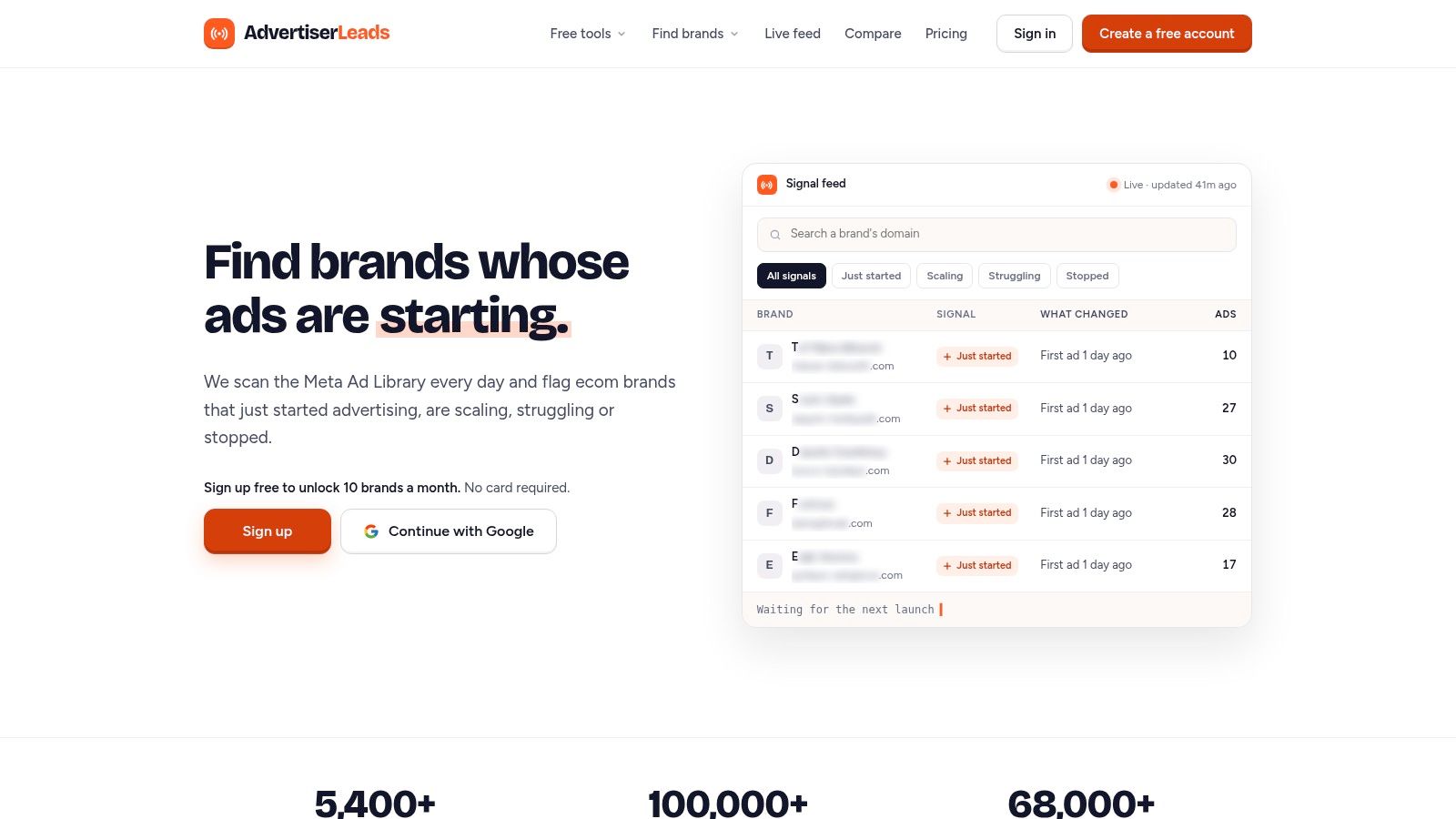
AdvertiserLeads is built around the prospecting question: what changed in this brand's advertising, and is that change worth acting on? It scans the public Meta Ad Library daily, matches each advertiser to the store behind it, and groups brands by observable behavior: just started, scaling, struggling, or stopped. Brand checks run each morning, and new advertisers are flagged in the afternoon (UTC) once Meta shows no older ads for them.
The store check is the part a plain ad-library search skips. Every landing domain is verified through Shopify's /products.json endpoint and response headers, then its homepage is read for tracking pixels: TikTok, Google Ads, Pinterest, Snapchat, Reddit and Microsoft Ads, plus ecommerce tools such as Klaviyo, Attentive, Postscript, Triple Whale, Northbeam and Elevar. That pixel read is how the database sees channels beyond Meta.
Best fit for activity-led prospecting
The signal definitions stay concrete: "just started" means the first Meta ads appeared within the last 14 days, "scaling" means ad volume rose sharply in recent weeks, "struggling" means frequent launches with few ads surviving past two weeks, and "stopped" means a drop from active ads to zero. For a media buyer, UGC studio, retention agency or CRO firm, each signal marks behavior worth investigating; none proves spend, profitability, or why the brand changed course.
Coverage centers on US ecommerce brands across a wide and growing range of niches. A brand profile shows live ad count, the date advertising started, a trend label such as Stable, and the detected channels. Searches combine a signal with niche, ad volume, store platform or channel, and any saved search becomes a daily or weekly email alert that stays silent without new matches. Contact details are excluded, so teams pair records with separate enrichment and outreach tools. For a broader view of how brand records support outbound research, see this guide to an advertiser database.
The free plan costs $0: a masked live feed for one niche, 10 brand reveals per month, one weekly alert, five daily brand lookups, and no export. Paid plans start at $49 per month; Pro covers every brand with full ad history across three niches, five saved searches with daily alerts by email, Slack or webhook, and CSV export up to 2,500 rows a month. The $249 Agency plan extends that to all niches with unlimited saved searches, API access up to 10,000 rows a month, and three seats. Free tools include a brand lookup by domain and a separate Facebook Ad Library scraper that can export Facebook Ad Library search results to CSV.
2. Foreplay
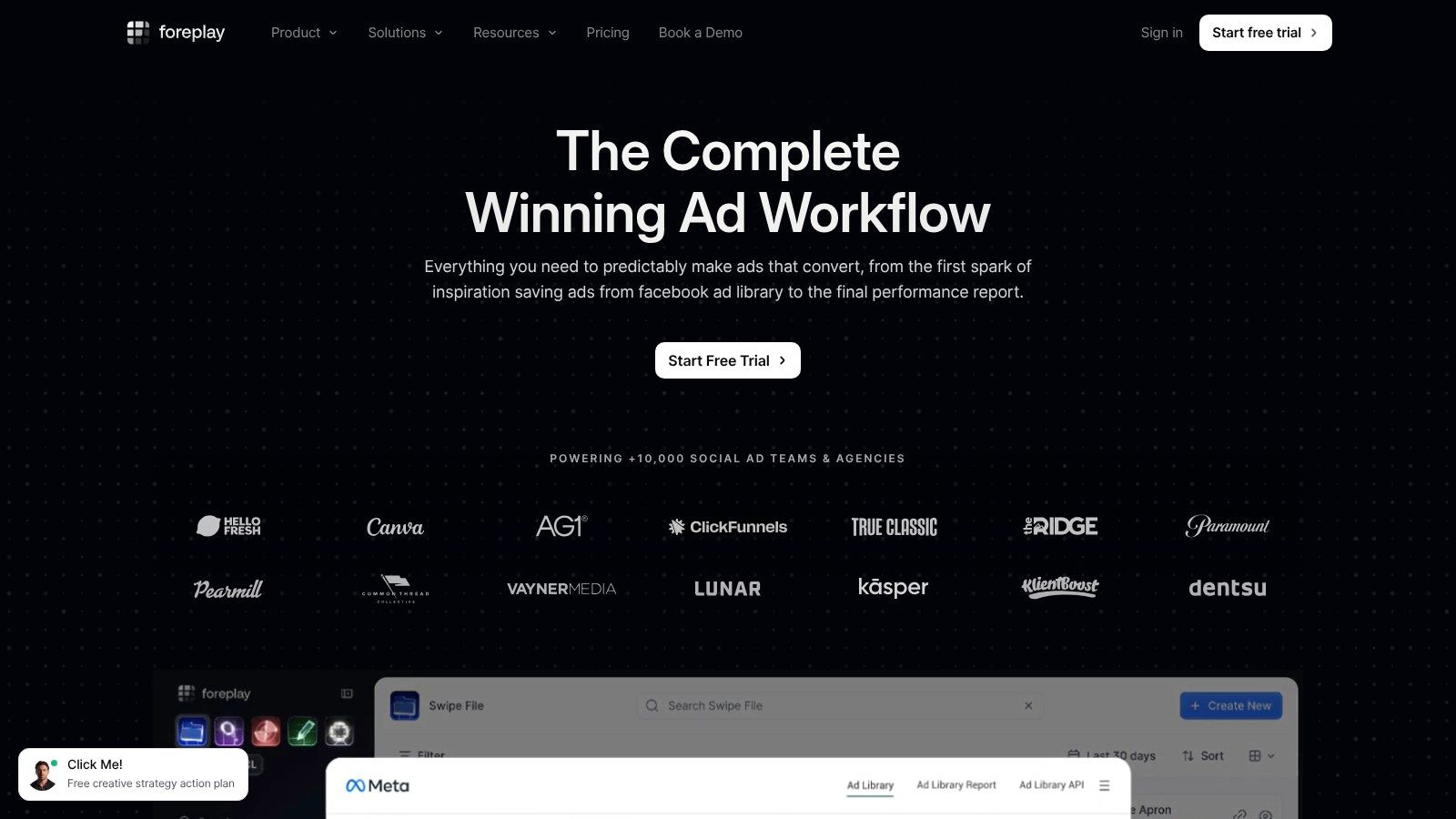
Foreplay pairs a searchable ad library with a team workflow for saving, sorting, and discussing creative. Its Spyder feature tracks ads from selected Meta brands and keeps ads available after they stop running. That retained record can help an agency notice a competitor's creative direction over time, rather than relying on whatever happens to be live during a one-off search.
Best fit for a creative team
The practical advantage is continuity. A team can follow selected brands, save new examples as they appear, organize them into boards, then use those examples to build and share creative briefs. That makes Foreplay more useful for recurring competitor-creative review than an ad library that only supports search and browsing.
A limited free allowance lets a small team test the workflow before deciding whether it needs more capacity. The key limitation for prospecting is scope: Spyder focuses on Meta, and the product isn't an ecommerce prospect database that classifies stores by advertising trajectory. A saved creative also shows that an ad was visible, not that it produced profitable results. That distinction matters when the goal is deciding which prospects to contact, since creative persistence and commercial performance are different signals.
Practical rule: Use Foreplay when your team needs to remember and work with competitors' creative. If the goal is pulling Ad Library results into a file for prospect research, a dedicated Facebook Ad Library scraper is closer to that task than a creative board.
3. Atria
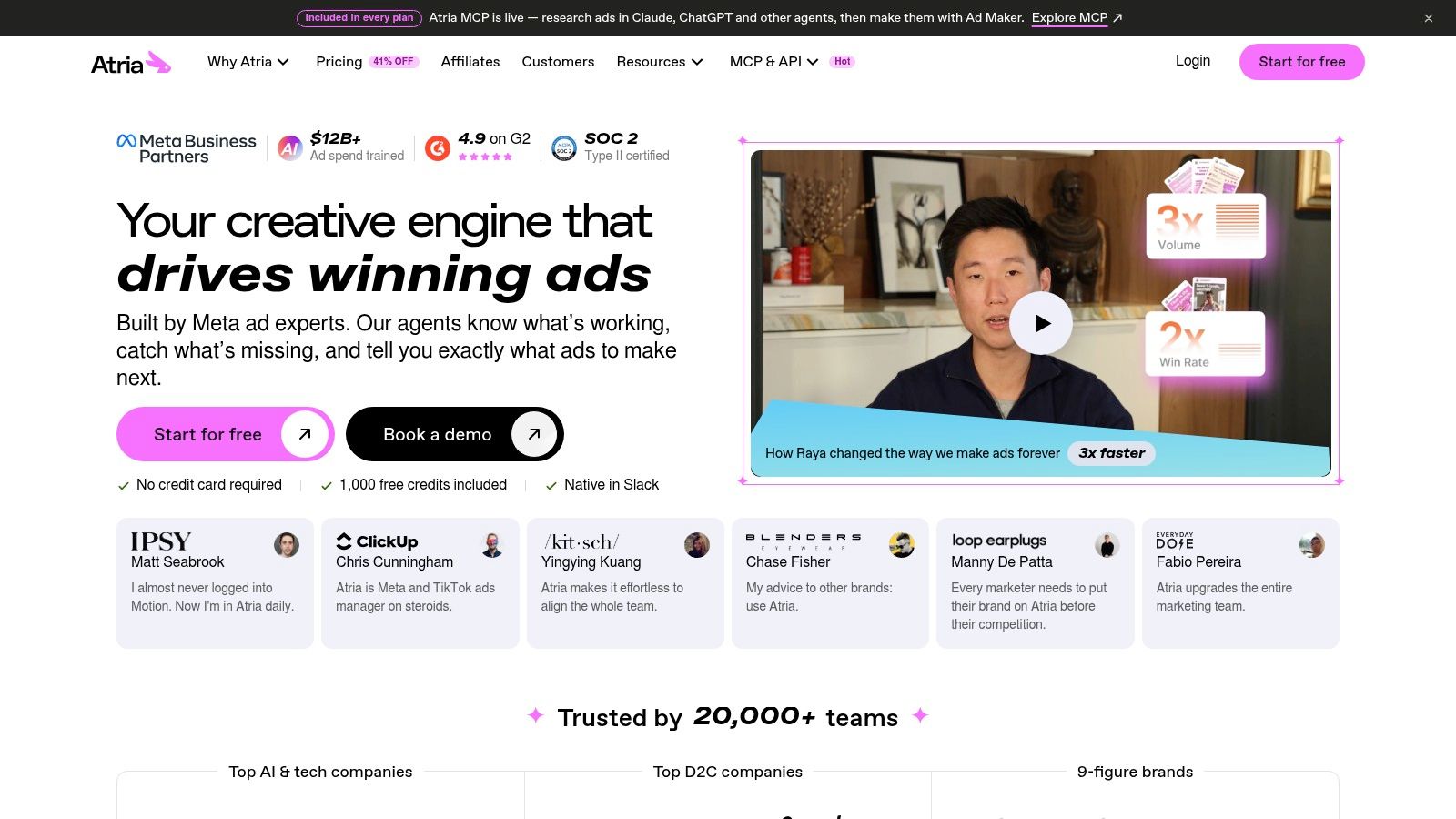
Atria sits between an ad library and a creative workspace. Teams can follow selected brands, research competitors, and connect their own Meta ad accounts, then use AI-assisted features for analysis, concepts, scripts, and copy. The monitoring question is narrower: how reliably it notices change in the advertisers you already know to watch.
Best fit for combining research and production
The practical gain is consolidation. An agency can review competitor ads, inspect connected campaign accounts, and draft creative in the same workflow, which reduces handoffs between research and production. That is different from a prospecting feed built around store matching: Atria observes followed brands and connected accounts more directly than it proves a store's advertising trajectory.
Atria offers tiered plans whose feature access and usage allowances differ, so compare the exact alert, account-analysis, and creative limits before treating price as an ad-monitoring cost. Confirm current pricing on the vendor's site.
For lead discovery, test the change-detection path rather than the breadth of AI features. Check what event triggers an alert, whether updates arrive daily, and whether an advertiser is matched to an ecommerce store. Public materials do not establish signal categories comparable to just started, scaling, struggling, or stopped, and search coverage should be validated against known competitors.
4. Panoramata
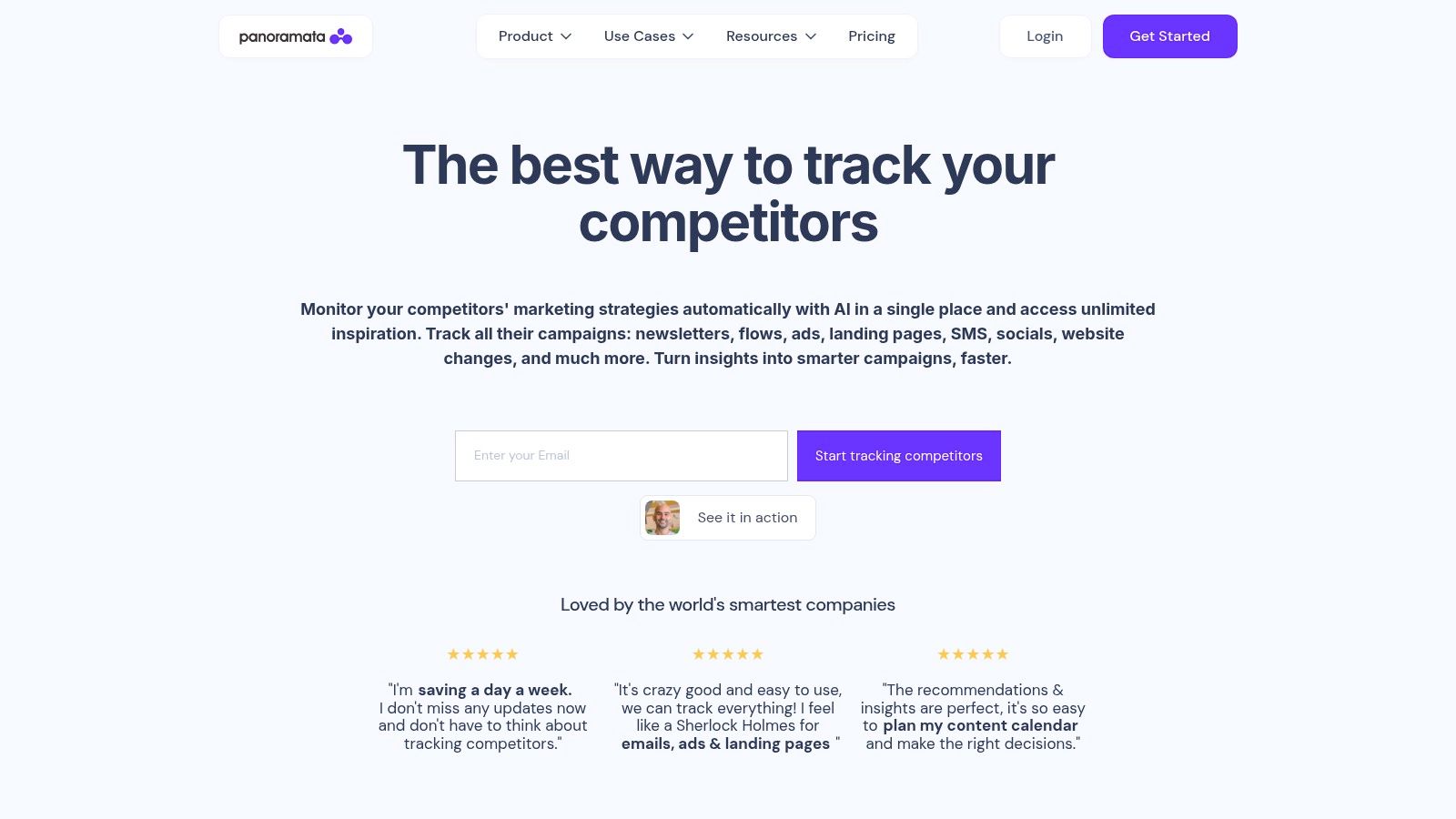
Panoramata looks beyond ads. It monitors competitor activity across advertising, email, landing pages, SMS, flows, social, and SEO, giving ecommerce teams a broader view of how a rival communicates across channels. If a brand changes its advertising while also updating a landing page or email sequence, that wider context can make a competitor review more useful.
Best fit for cross-channel competitor tracking
Historical tracking, dashboards, reports, and searchable libraries help teams compare marketing assets over time. That breadth can help an ecommerce strategy team understand how a competitor's advertising fits into its wider marketing activity. It can also help an agency prepare for a competitive review where ads are only one part of the client's question.
The Startup plan is listed at $99 per month and includes 20 competitors and six months of history. Higher tiers add features such as exports, alerts, integrations, and advanced reporting. Check which tier includes the specific alert or reporting workflow your team needs, because those capabilities aren't all part of the entry plan.
This breadth may be unnecessary if the job is to find ecommerce advertisers whose Meta activity has recently changed. Competitor limits and history limits can also constrain a team with a large watchlist. Panoramata is strongest as a wider competitor-intelligence workspace; the available details don't establish that it classifies ecommerce prospects by business trajectory or matches each signal to a store.
5. BigSpy
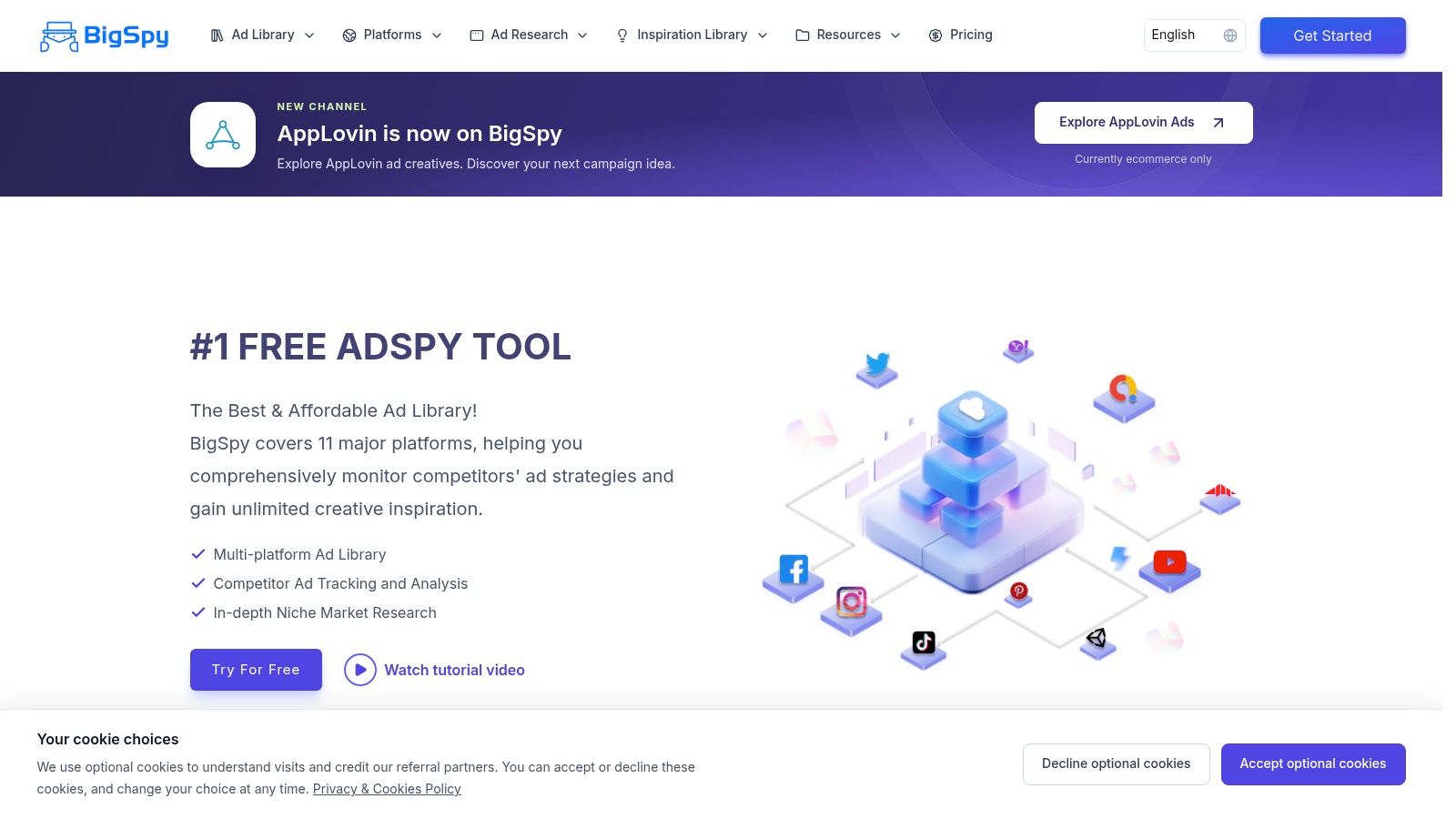
BigSpy is a searchable ad-intelligence database for discovering and comparing creatives across supported networks. Depending on the plan, users can research ads from channels such as Facebook, Instagram, TikTok, Google Ads, and YouTube. Its ecommerce-oriented filters and destination types can help narrow searches when the research question starts with a category, product, or type of store.
Best fit for cross-platform creative discovery
BigSpy's advantage is breadth for research. Teams can search and filter across supported networks, then use plan-dependent tools to save or track creatives. The free plan lets users try the interface, but search limits, network access, and available features vary by tier. Check the actual plan limits against the channels you need before treating the database as a complete cross-platform view.
The distinction between search breadth and monitoring depth is important. Finding many ads across networks doesn't automatically mean the product detects meaningful changes, matches brands to stores, or sends timely alerts for a prospecting workflow. The available product details describe creative research and some tracking, but don't establish a daily update schedule or ecommerce signals such as just started or stopped.
An ad's presence in a library also doesn't show whether it is profitable. A brand may launch multiple versions to test creative, and a searchable result doesn't reveal private campaign outcomes. For teams comparing this option with other discovery tools, this BigSpy alternatives comparison can help frame the difference between broad creative search and activity-based prospecting.
6. AdSpy
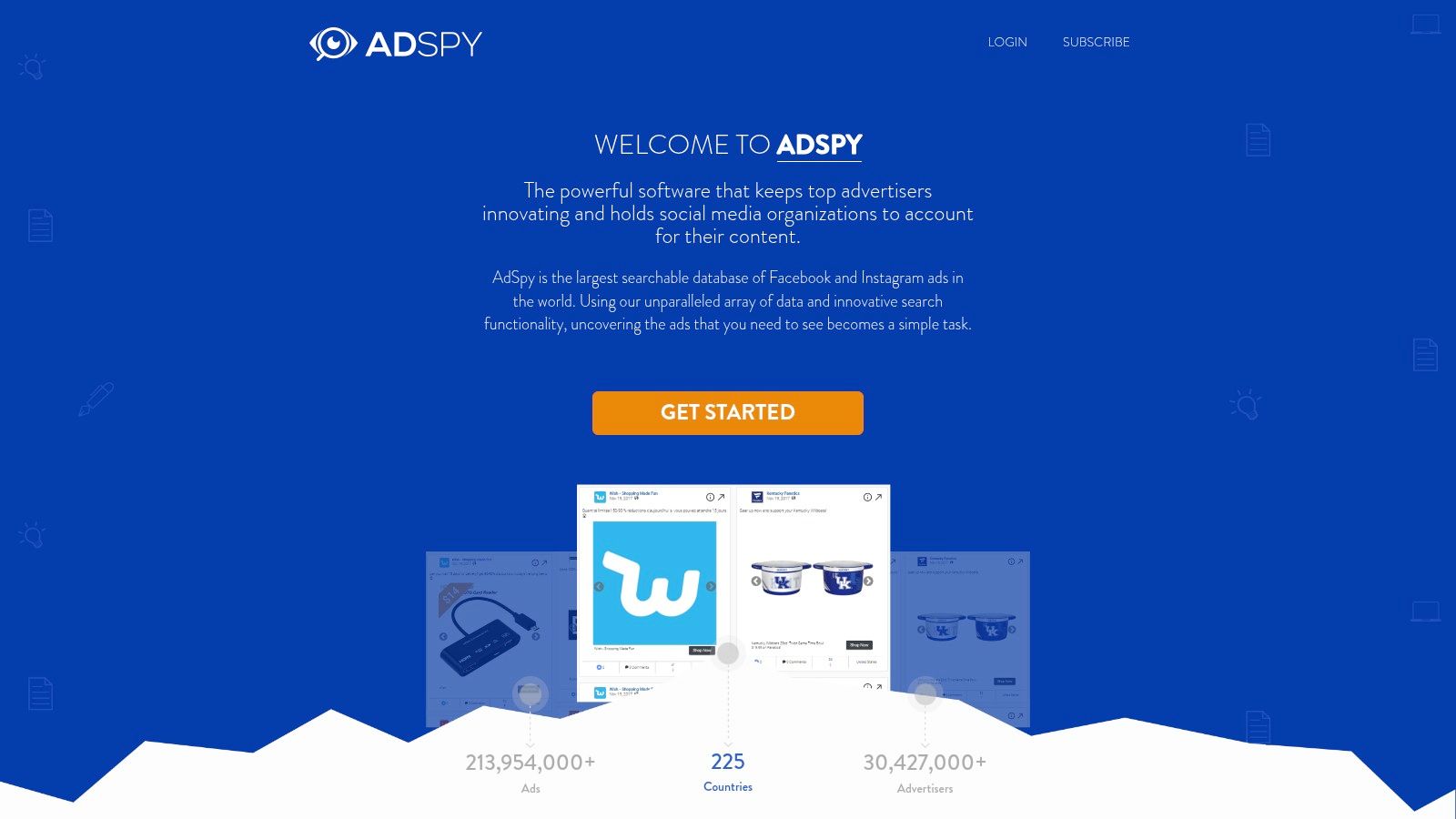
AdSpy specializes in searching Facebook and Instagram advertising. Researchers can filter by ad text, advertiser, landing-page URL, engagement, media type, and recency. Its comment search adds a different kind of research value: teams can inspect public responses for product questions, offer reactions, and the language people use around an ad.
Best fit for detailed Meta searches
A strategist who already has a research question gets the most from a specialist database. A media buyer might search a landing-page URL to surface every related advertiser. A creative team might read comments to see what viewers ask about a product before producing its next ad. Filters narrow the search without treating every visible result as equally relevant.
AdSpy publishes a single plan that sits above the entry tiers of many basic ad-library tools. That keeps tier comparisons simple, but the cost is harder to justify for occasional research. Coverage stays on Facebook and Instagram, so the product functions as a Meta search tool rather than broad cross-channel monitoring, and its search features do not amount to automated ecommerce lead qualification.
Engagement and comments offer context, not private performance data. They cannot confirm an advertiser's spend, conversion rate, return on ad spend, or sales, and the listed features do not establish daily brand-change alerts or store matching. AdSpy fits teams whose work centers on detailed Meta search and audience-response research, not teams that need an automatically refreshed prospect list tied to ecommerce stores.
7. Minea
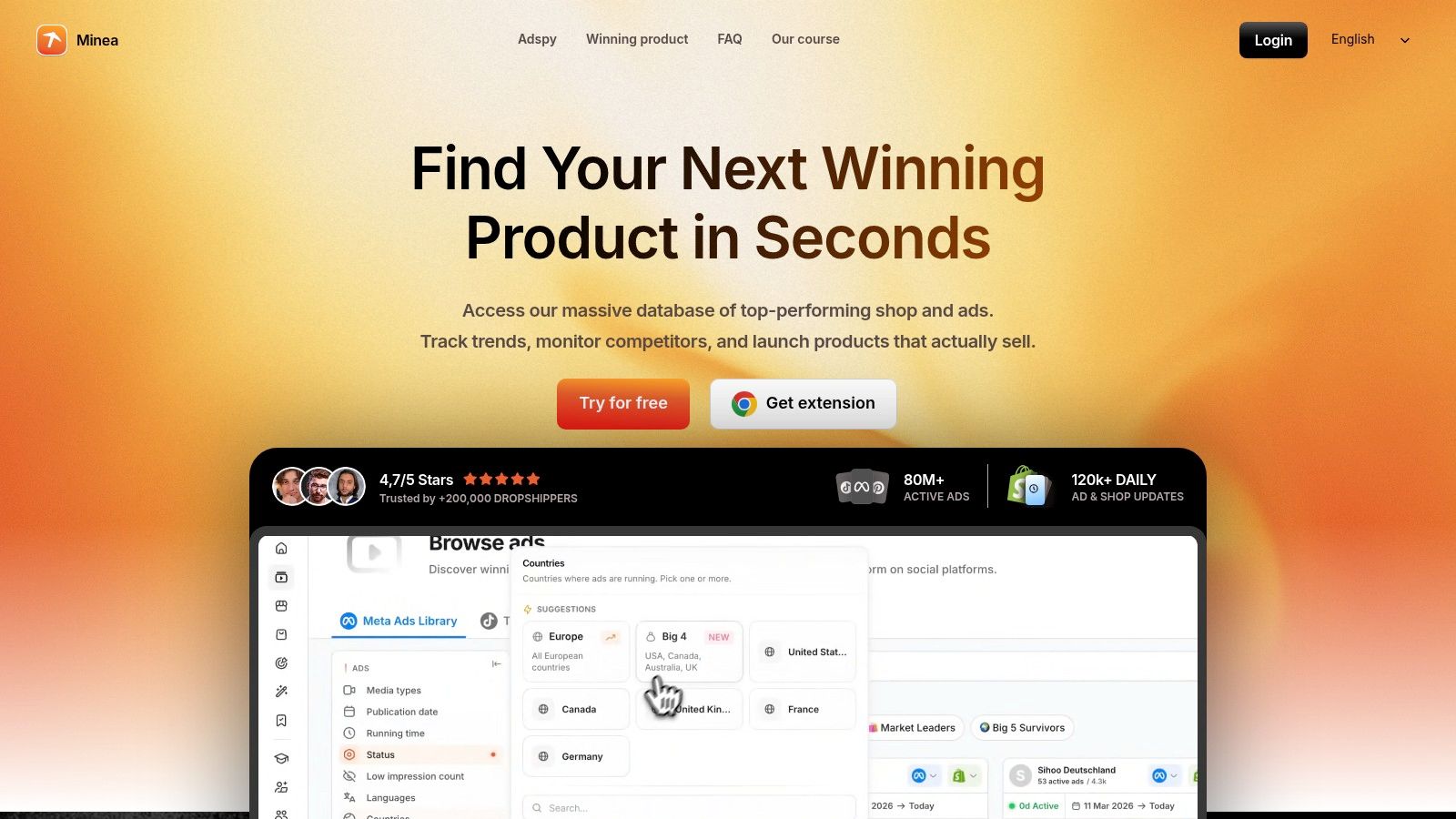
Minea connects ad discovery with product and shop research. That makes it relevant to ecommerce operators who want to investigate products, stores, and advertising examples together. Paid plans include brand-tracking features, while notifications and niche lists are available on higher tiers.
Best fit for product and shop research
The combination can help a researcher move from a creative to the store or product behind it. Brand tracking and notifications support repeat checks, and plan-dependent AI analysis and search features can add capacity for teams doing regular product research. Compare the specific tier limits with the number of brands and niches you intend to follow.
Minea's center of gravity is product and creative discovery, not classifying advertisers by business trajectory. The available details don't establish that it matches every tracked brand to a verified ecommerce store or labels brands as just started, scaling, struggling, or stopped. That distinction matters for agencies that need a signal to prioritize outreach rather than another set of promising product examples.
Treat any estimated or inferred indicators as research clues, not verified revenue or profit. A product appearing in an ad library doesn't prove that a brand is succeeding, and a notification doesn't explain why its advertising changed. Minea is a reasonable fit when product and shop exploration are part of the workflow; teams focused on timed prospecting should test the tracking and alert functions directly.
8. PowerAdSpy
PowerAdSpy offers ad search across social, search, display, and native-ad categories, with network access varying by subscription. Users can filter by advertiser, domain, country, ad type, call to action, and other attributes. Eligible higher tiers add tracking and broader network coverage, while some plans include estimated ad budgets.
Best fit for multi-format ad research
The range of search categories may suit teams that research multiple ad formats, not only Meta creatives. Domain and advertiser filters can help narrow a competitor search, and the tracker can support repeat monitoring on eligible plans. PowerAdSpy's plans are tiered by network access and tracking features, so the comparison should account for which channels each level includes.
The main evaluation question is whether the selected plan tracks changes in the brands you care about, or mainly expands the set of ads you can search. Higher tiers cost substantially more than basic ad-library tools, and an estimated budget is not a confirmed spend figure or proof of campaign performance. Pricing and trial terms change, so confirm current details on the vendor's site before subscribing.
PowerAdSpy can work for broad ad-format research. An agency prospecting on ecommerce activity should confirm that its tracking, alert cadence, and store context support the actual outreach workflow before committing to a plan.
How the eight ad monitoring tools compare on pricing, free access, and primary focus
Price separates these tools less than what each paid tier monitors.
| Item | Starting Price | Free Plan | Main Focus |
|---|---|---|---|
| AdvertiserLeads (recommended) | $49/month | Yes; 10 reveals/month, no export | Ecommerce lead signals from ad activity |
| Foreplay | Free entry for two-brand scraping | Yes; free scraping for two brands | Meta ad tracking and creative research |
| Atria | $129/month billed annually | No free starting option | Competitor research, creative tools, and ad account analysis |
| Panoramata | $99/month | No free tier listed | Competitor marketing monitoring across channels |
| BigSpy | Free entry | Yes | Cross-platform ad and creative research |
| AdSpy | $149/month | No free tier listed | Facebook and Instagram ad search |
| Minea | Product-and-shop research tiers | No free tier listed | Ecommerce product, shop, and ad research |
| PowerAdSpy | $69/month | No free plan; short paid trial | Ad search across social, search, display, and native channels |
Read free access as a test of fit rather than proof of monitoring value. The stronger criterion is whether the plan detects advertiser change, ties it to a store, and repeats that check on a schedule.
Choosing the Right Ad Monitoring Tool for Your Prospecting Workflow
Start with the job you need done. If your team needs timed outreach, prioritize daily change detection, store matching, useful signal definitions, and alerts that surface new matches without requiring another manual search. AdvertiserLeads is oriented around that workflow, using daily Meta Ad Library checks, ecommerce-store matching, activity classifications, searchable filters, and saved alerts. Its signals can help an agency decide which brands to investigate, but they don't establish a brand's budget, financial condition, or readiness to buy services.
If your team needs creative and competitor analysis, choose based on how researchers work. Foreplay emphasizes saved creative and team briefs. AdSpy and BigSpy support ad discovery and filtering. Atria combines research with account analysis and creative tools. Panoramata adds competitor activity beyond ads, while Minea links advertising research to products and shops. PowerAdSpy spans multiple ad categories, with tracking depending on the subscription. These tools can inform strategy without proving which advertiser is a qualified sales opportunity.
Don't mistake a platform event for a business outcome. An ad count can rise because a brand is testing creative, not because its spend or revenue is rising. An apparent stop could reflect a pause, removal, or indexing change, and an ad library may not show every detail a prospecting team wants. Independent analysis of Meta's transparency system describes limitations that can complicate tracing and interpreting advertising activity in the SMEX report on Meta Ad Library transparency. Public ad signals are better treated as prioritized hypotheses than as lead scores that claim financial certainty.
A practical evaluation can stay focused:
- Test a niche you already know. Compare each tool's results with brands and ads your team can recognize.
- Verify detected changes. Check a sample against the live platform library and the advertiser's store before using the signal in outreach.
- Confirm coverage and cadence. Find out which channels, regions, brand types, and historical records the chosen plan includes.
- Match the plan to the workflow. Confirm that alerts, exports, store context, and team access are included where you need them.
Google's transparency tools show how public ad visibility can include details such as regions, formats, and the most recent date an ad was shown, but those records still aren't a substitute for private performance reporting. Keep your CRM enrichment, landing-page checks, and later campaign validation separate from what a public monitoring feed can establish. Choose the tool that makes the next research step clear, then verify the signal before you pitch.
AdvertiserLeads scans Meta advertising activity daily, matches advertisers to ecommerce stores, and organizes changes into prospecting signals with saved searches and alerts. If you want to prioritize outreach around brands that have just started, are scaling, struggling, or have stopped advertising, visit AdvertiserLeads and test the workflow against a niche you already know.
Find brands that just started advertising
AdvertiserLeads checks the Meta Ad Library every day and flags ecom brands that just started, scaled or stopped their ads. Create a free account to see the live feed. No card.